Barcode failure in industrial and supply chain environments triggers severe operational and financial disruptions. Unreadable barcodes lead directly to retailer chargebacks, rejected shipments, untraceable assets, and systemic operational downtime. Achieving a durable, compliant print requires exact chemical and mechanical alignment between three distinct variables: the label substrate, the ribbon formulation, and the printer's hardware specifications. Mismatching these components inevitably leads to smudging, printhead damage, or adhesive failure.
This guide serves as a technical evaluation framework for procurement and operations teams. It provides the necessary specifications to select the correct Thermal Transfer Labels, identify the optimal ribbon pairing, and ensure strict hardware compatibility based on specific environmental demands.
Material Synergy is Non-Negotiable: Wax ribbons pair with paper labels; wax/resin pairs with coated papers and matte synthetics; full resin is strictly for high-gloss synthetic thermal transfer labels.
Printhead Technology Dictates Ribbon Chemistry: Standard flathead printers and near-edge printers require completely different ribbon formulations due to variations in angle, pressure, and heating cycles.
Environment Dictates the Substrate: Label material and adhesive selection must be reverse-engineered from the harshest condition the label will face (e.g., UV exposure, chemical baths, extreme temperatures, abrasion).
Hardware Constraints Limit Options: Printer specifications—specifically maximum roll outer diameter (OD), core size, and ribbon coating configuration (CSI vs. CSO)—dictate which label and ribbon formats can be deployed.
Hardware Lifespan > Unit Cost: Over-specifying ribbons wastes budget, while under-specifying leads to premature printhead failure and compliance fines that dwarf the initial material savings.
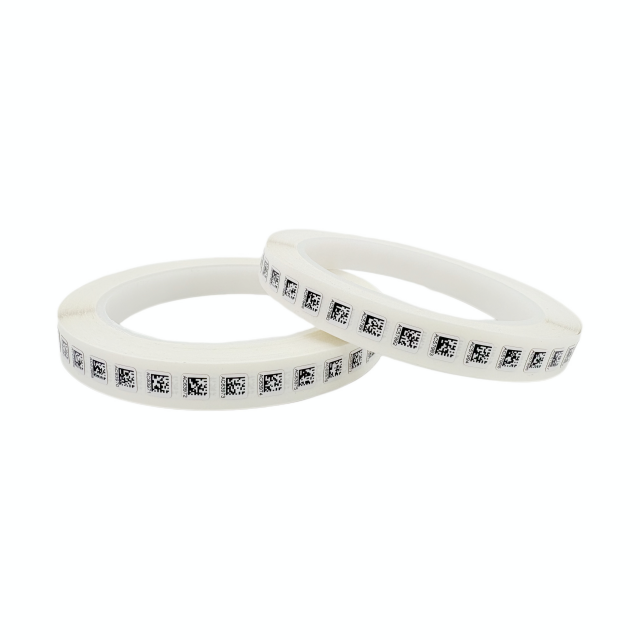
How Thermal Transfer Labels, Ribbons, and Printers Work Together
The thermal transfer process relies on the precise melting of ink from a ribbon onto a substrate via a heated printhead. This operation forms a technical triad where the printer, ribbon, and label must function as a unified system. The printhead applies targeted thermal energy to the ribbon, transferring the ink formulation directly onto the label surface passing beneath it. You cannot swap one component without evaluating how it impacts the other two.
Within this system, the thermal transfer ribbon acts as a critical backer shield for the printhead. The ribbon must always be wider than the label carrier or liner. If the ribbon is too narrow, the abrasive edge of the label material will grind directly against the delicate heating elements of the printhead. This physical grinding causes rapid and irreversible damage to the printhead glass, leading to dead pixels and vertical white lines through your printed barcodes.
A successful match between these components achieves high edge-definition necessary for barcode scanners, permanent anchorage of the ink to the label substrate, and minimal friction against the printhead. When these elements fall out of alignment, immediate symptoms emerge on the production floor. Operators will experience ribbon snap, excessive static buildup, ghosting of printed images, and ultimately, unreadable barcodes that fail verification grading.
Understanding the mechanics of the printhead is necessary for diagnosing failures. The printhead consists of hundreds of microscopic heating elements. These elements pulse on and off in milliseconds. If the ribbon requires too much energy to melt the ink, the printer must run at a higher darkness setting. Running a printhead at maximum darkness continuously shortens its lifespan significantly due to thermal stress. Therefore, matching the ribbon's melting point to the substrate's surface energy allows you to run the printer at lower temperatures, preserving the hardware.
How to Choose Thermal Transfer Labels for Different Environments
Selecting the correct media begins with defining the environmental baselines. Operations must conduct a thorough audit of the label's lifecycle. This includes evaluating indoor versus outdoor exposure, potential chemical contact, extreme temperature fluctuations, and the physical characteristics of the application surface. You must reverse-engineer the label construction starting from the harshest condition it will face.
The Role of Adhesives in Thermal Transfer Systems
Adhesive selection is just as critical as the face stock. The adhesive must maintain its bond under the specific stresses of the operating environment. A premium synthetic label is useless if the adhesive fails and the label falls off the asset.
| Adhesive Type | Primary Characteristics | Best Use Cases | Limitations |
| Acrylic-Based Permanent | High UV resistance, long-term bond strength, withstands temperature swings. | Outdoor asset tracking, synthetic labels, metal surfaces. | Lower initial tack; requires 24 hours to fully cure. |
| Rubber-Based Hot Melt | Aggressive initial tack, bonds well to rough or porous surfaces. | Corrugated cardboard, shipping boxes, rough plastics. | Degrades rapidly under UV light and high heat. |
| High-Tack Acrylic | Combines high initial grab with long-term durability. | Low surface energy (LSE) plastics, powder-coated metals. | Difficult to remove without leaving heavy residue. |
| Removable / Repositionable | Low adhesion, removes cleanly without tearing the face stock. | Totes, reusable containers, temporary inventory tags. | Will fail if exposed to heavy friction or moisture. |
Paper Thermal Transfer Labels
Paper substrates serve primarily in short-term logistics, shipping, and basic inventory tracking. They represent the lowest acquisition cost but carry significant limitations. Paper remains highly susceptible to moisture, tearing, and mechanical abrasion. If a paper label gets wet, the structural integrity of the face stock collapses. You should only specify paper labels for environments where the label lifespan is measured in days or weeks, and the environment is strictly climate-controlled.
Synthetic Labels (Polypropylene & Polyester)
Synthetic substrates dominate asset tracking, outdoor equipment labeling, automotive manufacturing, and healthcare applications. Polypropylene offers excellent flexibility and moisture resistance, making it suitable for curved surfaces like vials or drums. Polyester provides rigid durability, exceptional high heat resistance, and robust chemical defense. Polyester serves as the standard for durable goods tracking, rating plates, and under-the-hood automotive applications. When pairing ribbons with these synthetics, you must use wax/resin or full resin to ensure the ink anchors properly to the smooth plastic surface.
Specialty Substrates (Polyimide/Kapton)
Polyimide materials are engineered specifically for printed circuit board (PCB) manufacturing and aerospace applications. This performance profile allows the labels to survive wave soldering processes, extreme industrial washdowns, and prolonged exposure to harsh solvents. Polyimide labels can withstand flash temperatures exceeding 500 degrees Fahrenheit. Printing on polyimide requires ultra-durable full resin ribbons and high-resolution printheads to ensure the micro-barcodes remain scannable after chemical baths.
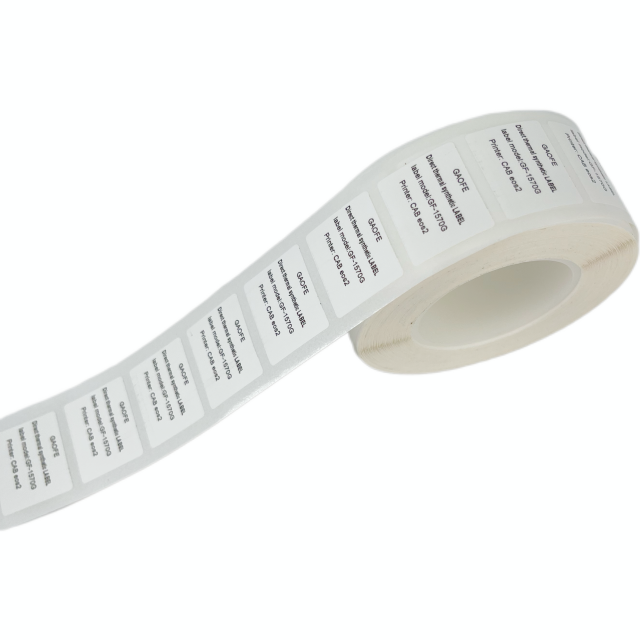
How to Choose the Right Ribbon for Thermal Transfer Labels
Ribbon chemistry must match the surface energy and characteristics of the chosen Thermal Transfer Labels. Using the wrong ribbon formulation guarantees print failure. The ink will either fail to transfer from the ribbon carrier, or it will wipe right off the label surface with minimal friction.
Wax Ribbons
Wax ribbons are compatible exclusively with uncoated and coated paper labels. They feature a low melting point, requiring minimal energy from the printhead. While efficient for high-volume shipping operations, wax prints remain highly vulnerable to scratching, smudging, and chemical exposure. If you drag your fingernail across a wax-printed barcode, the ink will smear. Use wax ribbons strictly for short-term transit labels where durability is not a factor.
Wax/Resin Ribbons
Wax/resin formulations bridge the gap between economy and durability. They pair effectively with coated papers and matte synthetics like polypropylene. These ribbons possess a moderate melting point and offer excellent resistance to moderate mechanical abrasion and mild chemical exposure. If your labels face occasional handling, minor moisture, or friction during transit, wax/resin provides the necessary durability upgrade over standard wax.
Full Resin Ribbons
Full resin ribbons are strictly designed for glossy synthetics, including polyester and polyimide. They feature a high melting point, demanding higher printhead energy to achieve transfer. The resulting print creates a near-permanent bond highly resistant to harsh solvents like acetone or brake fluid, as well as prolonged UV light exposure. You cannot use full resin ribbons on paper labels; the high heat required to melt the resin will burn the paper substrate, and the resin will not anchor to the porous paper fibers.
Ribbon Storage and Shelf Life
Environmental exposure degrades ribbon chemistry long before printing occurs. Storing ribbons in environments with excessive heat or high humidity alters the ink formulation. Most manufacturers recommend storing ribbons between 40 and 85 degrees Fahrenheit, with relative humidity between 20 and 80 percent. If you store ribbons in a hot warehouse near the ceiling, the wax or resin can pre-melt and fuse to the carrier backing. This leads to ink flaking, poor transfer, and inconsistent print density during production. Always rotate ribbon stock using a first-in, first-out inventory method.
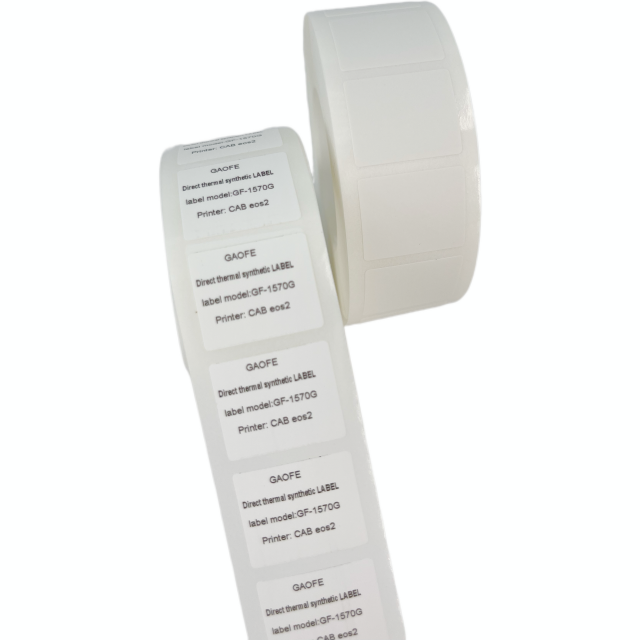
How to Match Printer Specifications with Labels and Ribbons
Hardware specifications dictate which media combinations can be successfully deployed on the production floor. Ignoring hardware constraints leads to immediate operational failure. You must verify that the physical dimensions of the media fit the printer chassis and that the ribbon chemistry matches the printhead architecture.
Printhead Technology (Flathead vs. Near-Edge)
Flathead printers position the heating elements flat against the media. This architecture requires standard ribbons designed for a slower, steady release cycle. The ribbon and label remain in contact for a short distance after passing the heating elements. Conversely, near-edge printers position the heating elements at the extreme edge of the printhead, enabling exceptionally high-speed printing often used in flexible packaging. Near-edge systems require specialized ribbon formulations designed for instant ink release. You cannot use a flathead ribbon in a near-edge printer; the ink will not transfer fast enough, resulting in blank or severely faded labels.
Printhead Resolution (DPI Requirements & Speed Trade-offs)
Resolution dictates the clarity of the printed image and directly impacts throughput speed. Higher resolution requires slower print speeds to allow the heating elements to cycle accurately.
203 DPI: Standard for shipping labels, pallet tags, and large text. This resolution allows for maximum high-speed throughput, often exceeding 10 inches per second.
300 DPI: Necessary for high-density barcodes, QR codes, and small text found on asset tags or product compliance labels. Generating dense codes requires lower print speeds to maintain edge definition.
600 DPI: Utilized for micro-printing on electronics, PCB boards, and pharmaceutical vials. This resolution requires precise speed-to-heat calibration to prevent ribbon burn and ensure crisp edge definition on tiny 2D barcodes.
Ribbon Configuration (CSI vs. CSO)
Ribbons are manufactured with the ink facing inward (Coated Side In - CSI) or outward (Coated Side Out - CSO). Specific printer brands require specific configurations based on their spindle mechanics. For example, Zebra printers typically utilize CSO, while legacy Datamax or Sato models often require CSI. Loading the wrong configuration will melt the ink directly onto the printhead elements, requiring immediate and tedious cleaning with isopropyl alcohol to prevent permanent damage. You can test an unknown ribbon by sticking a piece of tape to the outside of the roll; if ink comes off on the tape, it is CSO.
Core Sizes and Roll Dimensions
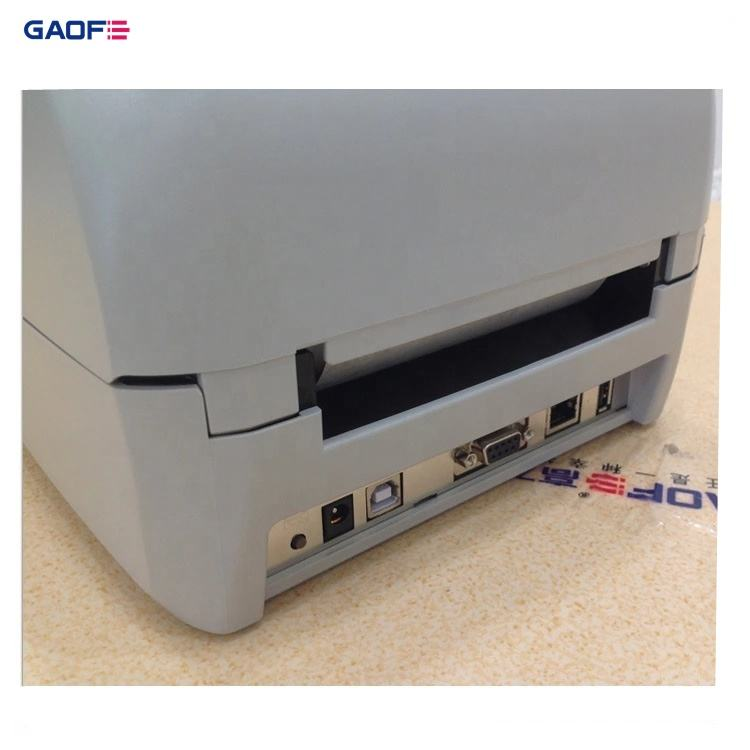
Media dimensions must physically fit within the printer chassis. Desktop printers typically require 0.5-inch or 1-inch cores with smaller outer diameters (OD), usually maxing out at 5 inches. Industrial printers utilize robust 3-inch cores and easily accommodate 8-inch OD rolls to support high-volume, continuous printing operations. Attempting to force an 8-inch roll into a desktop printer will jam the feed mechanism and burn out the stepper motor.
Label and Ribbon Costs vs. Printer Lifespan
Procurement decisions focused solely on upfront material costs often create severe downstream liabilities. Deploying highly abrasive paper labels or low-quality ribbons accelerates printhead wear significantly. The friction generated by substandard media strips the protective coating from the printhead elements. This turns a minor material saving into a massive hardware replacement expense and unscheduled downtime. A high-quality ribbon acts as a lubricant, extending the life of the printhead and reducing maintenance intervals.
Compliance and certification represent another critical evaluation metric. Many industries require UL/CSA recognized label-and-ribbon combinations. These certifications guarantee that the printed label will remain legible and attached under specific environmental conditions. Swapping a certified ribbon for an unverified alternative immediately voids compliance. This exposes the operation to regulatory penalties, failed audits, and product rejection at the receiving dock.
Operations must also evaluate the trade-off between standardization and specialization. Standardizing on one mid-tier label and ribbon combination across an entire facility reduces inventory complexity and prevents operators from loading the wrong media. However, managing multiple specialized SKUs ensures optimal performance for highly specific environmental threats, preventing premature label failure in harsh zones like chemical washdowns or outdoor storage yards. You must balance inventory simplicity against the technical requirements of your harshest application.
How to Test Thermal Transfer Labels and Fix Printing Problems
Validating media performance requires rigorous in-house quality control and standardized testing protocols before full-scale deployment. Never assume a label and ribbon combination will work based solely on a spec sheet. You must test the printed labels on the actual surfaces they will adhere to, under the actual conditions they will face.
In-House Quality Control and Testing Protocols
The Tape Test (ASTM D3359): Print a test barcode. Apply standard transparent adhesive tape firmly over the printed area. Rub the tape to ensure full contact. Pull the tape away rapidly at a 180-degree angle. Inspect the tape and the label. If ink transfers to the tape, the ribbon-to-substrate adhesion is failing. You need a higher-grade ribbon or a higher printhead temperature.
The Rub/Scratch Test: Evaluate mechanical wear using industrial rub testers or manual abrasion trials. Use a metal edge or a rough cloth to aggressively rub the printed barcode. Verify that the barcode remains scannable after 50 to 100 passes.
Chemical Resistance Verification: Expose printed labels to targeted solvents present in your facility. Submerge the labels in isopropyl alcohol, water, and industrial oils for 24 hours. Wipe the labels aggressively after soaking to verify the ink remains legible and firmly anchored to the substrate.
Adhesion Dwell Time Test: Apply the label to the target surface. Wait 24 hours for the adhesive to fully cure. Attempt to peel the label off. A successful permanent adhesive will cause the face stock to tear before the adhesive releases from the surface.
Troubleshooting Common Failures
Ribbon Wrinkle and Tracking Issues: Wrinkling typically stems from incorrect printhead pressure, mismatched ribbon and label widths, or misaligned supply spindles. Diagonal unprinted lines across your labels indicate ribbon wrinkle. Mitigate this by calibrating printhead toggle pressure, ensuring the toggles are positioned evenly over the media width, and verifying proper media tension across the web.
Poor Ink Transfer or Flaking: Flaking occurs when printing too fast, operating with printhead temperatures set too low, using a flathead ribbon on a near-edge printer, or mistakenly pairing a resin ribbon with a paper label. Adjust darkness settings upward in small increments, decrease print speed, and rigorously verify chemical compatibility between the ribbon and substrate.
Adhesive Ooze: Oozing happens when using the wrong adhesive type for the printer's operating temperature, causing sticky buildup on the platen roller and media guides. This buildup causes labels to jam and wrap around the roller. Specify labels with adhesives rated for the specific ambient printing environment and clean the platen roller regularly with isopropyl alcohol.
Conclusion
Selecting the right label, ribbon, and printer combination requires more than comparing individual specifications; it also requires practical testing and support from a supplier familiar with demanding industrial environments. Established in 2008, GAOFE specializes in the research, development, and manufacturing of specialty labeling solutions and industrial identification systems, providing labels, ribbons, printing equipment, automated labeling solutions, and traceability support for industries such as electronics, healthcare, automotive manufacturing, and logistics.
Define the primary environmental threat the label will face before looking at material options.
Select the appropriate label substrate and adhesive to withstand that specific threat.
Match the ribbon formulation to the chosen substrate and verify compatibility with your printhead technology.
Request sample rolls for pilot testing in actual production environments before bulk purchasing.
Consult directly with a media specialist for UL/CSA compliance verification to ensure regulatory adherence.
FAQ
Q: Can I use direct thermal labels in a thermal transfer printer?
A: Yes, most thermal transfer printers can operate in direct thermal mode. You must remove the ribbon and adjust the printer settings to direct thermal. However, the labels must have a heat-sensitive coating, and the resulting print will not offer the durability or UV resistance of thermal transfer printing.
Q: How do I know if I need a wax or resin ribbon?
A: Base your selection on the label material. Use wax ribbons exclusively for uncoated or coated paper labels in low-abrasion environments. Use full resin ribbons for glossy synthetic labels requiring extreme chemical, heat, and UV resistance.
Q: What is the difference between flathead and near-edge ribbons?
A: Flathead ribbons are formulated for a slower, steady ink release as the media passes under flat heating elements. Near-edge ribbons are chemically engineered for instant ink release, accommodating the high-speed, angled heating elements found in near-edge printers. They are not interchangeable.
Q: What is the difference between Coated Side In (CSI) and Coated Side Out (CSO) ribbons?
A: This refers to which side of the ribbon holds the ink. CSI has the ink facing the inside of the roll, while CSO has the ink facing outward. Your printer's spindle mechanics dictate which configuration is required; using the wrong one melts ink onto the printhead.
Q: Why is my thermal transfer ribbon snapping during printing?
A: Ribbon snap usually occurs due to excessive printhead heat, incorrect printhead pressure, or using a ribbon that is too narrow for the label substrate. Lower the darkness settings and verify the ribbon width exceeds the label liner width.


