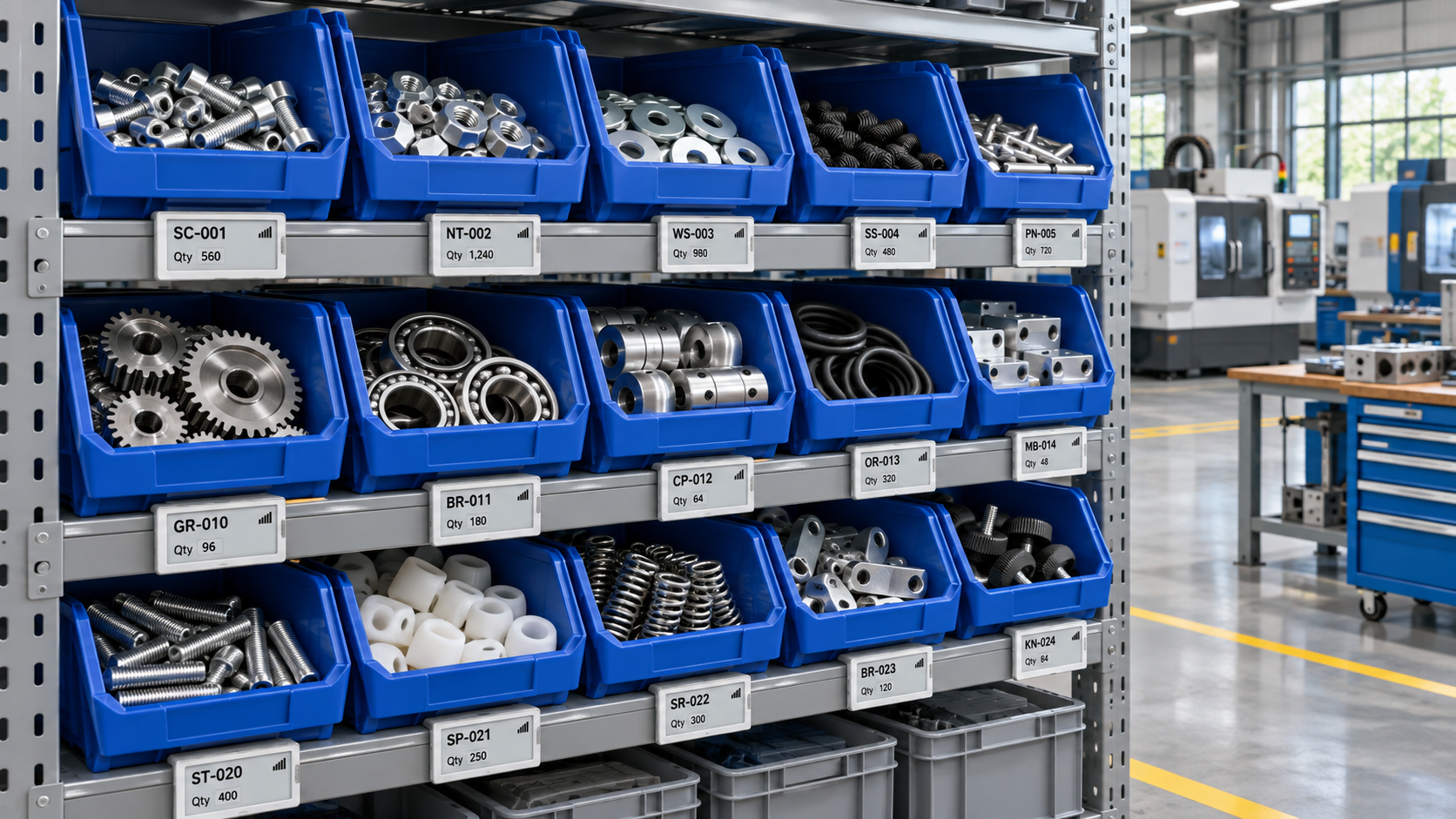
An electronic label, also called an electronic shelf label or ESL, provides an updateable display at a parts bin, storage rack or workstation. In workshops, these labels can show part numbers, bin locations, recorded stock quantities and replenishment information.
Their main value is bringing system information closer to the point where employees receive, pick and count parts. Instead of replacing printed cards whenever information changes, an electronic label can receive updated content through a connected management system.
Successful inventory management still depends on accurate transactions. A display does not automatically know how many components remain inside a bin unless a separate counting or data-capture process provides that information.
How Electronic Labels Work in a Workshop
Connecting Physical Bins with Digital Records
Each electronic label has a device identifier that is associated with a storage location, container or part record. Management software uses that association to send the correct information to the correct display.
Depending on the selected system, updates may pass through a gateway or another supported connection. The communication method, update confirmation and software interface should be verified for the proposed equipment.
A workshop should decide what the label represents before installation:
These arrangements require different procedures. If a label represents a fixed location, moving a bin does not automatically transfer the location record. If it represents a movable container, the system must maintain that container’s identity as it travels.
Displaying Useful Information
A practical display prioritizes information employees need during daily work.
| Display field | Workshop purpose |
| Part number and short description | Distinguish similar components |
| Bin or location ID | Confirm the correct storage position |
| Unit of measure | Separate pieces, packs and other quantities |
| Recorded available quantity | Show stock available according to the system |
| Replenishment status | Identify items needing attention |
| Barcode or QR code | Open or confirm the associated record |
Keep the main part identifier readable at the normal working distance. Additional information should not make the display crowded.
Concept illustration of electronic labels used for parts bin identification.
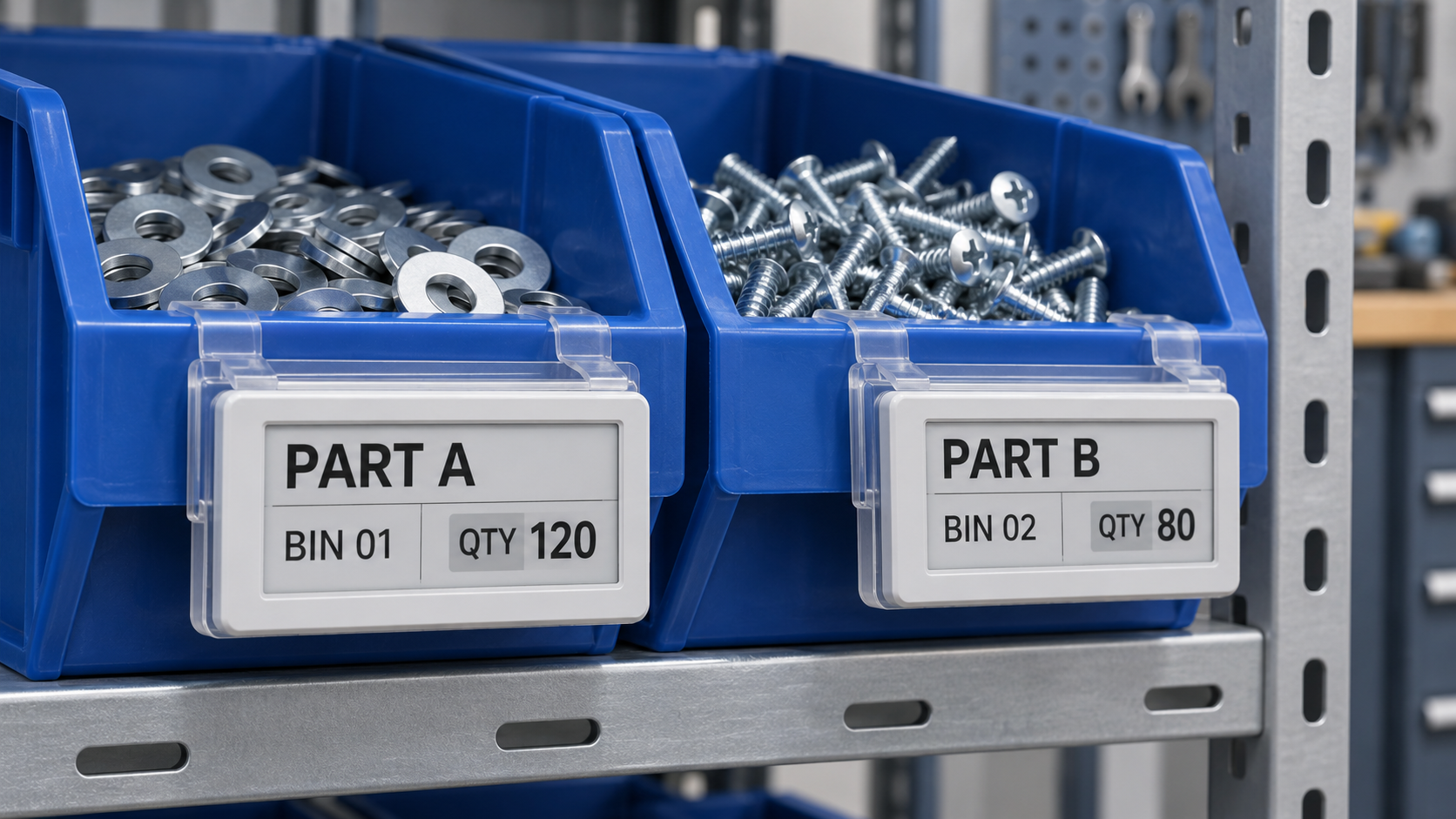
Main Uses of Electronic Labels for Parts Bin Management
Identifying Similar Parts
Workshops often store components that look alike but have different sizes, materials or approved uses. A clear part number and description help employees distinguish the correct item.
Electronic labels allow authorized information changes without replacing every printed bin card. However, changing the displayed record must follow a controlled reassignment process. Employees should confirm the physical contents before assigning a new part to a bin.
Printed warehouse identification labels can remain useful for permanent rack addresses or backup location markings alongside electronic displays.
Supporting Picking and Assembly Preparation
An electronic label can present a picking instruction when the software supports that workflow. Selected devices may also offer indicator lights or buttons for locating a bin and confirming an action.
These features are configuration dependent. A basic display should not be assumed to include pick-to-light or interactive confirmation.
For similar-looking parts, a useful workflow combines visual guidance with identity verification: find the bin, check the part number, scan the identifier and record the quantity taken.
Where scanning forms part of the process, evaluate compatible 2D scanners using the actual screen, code size, lighting and working distance.
Making Replenishment Status Visible
When recorded stock reaches a configured threshold, the connected system can generate a replenishment task. A compatible electronic label can then show a status such as “Replenishment Required.”
The threshold should reflect consumption, replenishment lead time and the workshop’s stock policy. It should also distinguish stock physically present from stock already reserved for another job.
For a two-bin process, emptying the working bin may trigger a request through a scan, supported button or another input method. The electronic label displays the resulting status; the software manages the replenishment logic.
Concept illustration of barcode scanning and replenishment information at a parts bin.
Supporting Cycle Counts and Inventory Checks
Electronic bin labels can help employees locate count positions and identify the records associated with them.
A count task can direct an employee to a bin, where the physical quantity is counted and entered through an approved device or application. The inventory system compares the count with its records and routes discrepancies for review.
A useful count procedure may hide the expected quantity until the employee submits the physical count. This helps avoid copying the displayed figure instead of checking the contents.
Labels support the workflow, while counting rules, transaction records and discrepancy controls determine inventory accuracy.
What Should a Workshop Check Before Deployment?
Define How Stock Changes Are Captured
Identify how receiving, picking, returns, transfers and scrap will be recorded. Options may include barcode scans, manual entries, supported device buttons or separately integrated sensors.
A scan identifies a record or event; it does not necessarily measure the quantity moved. The workflow must capture quantity and unit of measure where required.
Existing barcode labels can identify containers and components alongside electronic displays. For larger traceability projects, GS1’s explanation of EPCIS describes how event records represent what happened, when and where. EPCIS is an option for relevant projects, rather than a requirement for every workshop.
Confirm Integration and Update Handling
Check which system owns the inventory balance and how display updates are triggered. Confirm supported interfaces, data fields, access permissions and recovery procedures with the supplier.
Separate a successful software transaction from a confirmed display update. A quantity may change in the inventory system before the label receives the new information.
Some e-paper displays retain their last image when communication or power is interrupted. A readable screen therefore does not prove that its information is current. Define how employees will recognize stale information and what procedure they should follow.
Check Mounting, Environment and Readability
Evaluate the equipment in its intended location. Metal racks, machinery and layout changes can affect wireless performance, so a site trial is more useful than relying only on a quoted range.
Also check:
Protection from impacts, dust, oils and cleaning agents.
Secure mounting during bin removal and handling.
Readability under workshop lighting.
Power maintenance and device replacement procedures.
Barcode scanning from the installed position.
Where formal barcode quality assessment is needed, the GS1 barcode verification guidelines provide a reference for checking symbol quality and encoded data.
Start with a Measurable Pilot
Choose a representative storage area and test normal transactions, simultaneous updates, bin reassignment and interrupted communication.
Measure picking errors, time spent changing labels, replenishment response and stock discrepancies before and during the trial. Include equipment, software, integration, installation, training and ongoing maintenance when assessing cost.
The strongest business case comes from observed workshop results.
Frequently Asked Questions
1. Do electronic labels automatically count parts inside a bin?
Usually, no. They display information supplied by a connected system. Automatic quantity measurement requires a separate, compatible counting method, such as an integrated weighing or sensing solution.
2. Can electronic labels connect to an existing ERP or WMS?
Integration may be possible through supported interfaces or middleware. Confirm compatibility with the actual software version, required transactions and data fields before selecting equipment.
3. Can electronic labels provide pick-to-light guidance?
Some models support indicator lights and interactive functions. These capabilities depend on the device and software configuration and should be confirmed for the proposed system.
4. Are electronic labels suitable for metal parts racks?
They may be, but mounting and wireless coverage need testing. Metal structures and machinery can affect communication. Evaluate the installed arrangement during a site trial.
5. Should electronic labels replace every printed label?
Not necessarily. Electronic displays suit information that changes frequently. Printed labels can remain useful for permanent location IDs, component identification and backup references.
Discuss Electronic Label Requirements with GAOFE
Planning electronic labels for workshop parts bins starts with understanding how materials move and how inventory records are maintained.
Contact GAOFE with your bin layout, number of locations, required display fields and existing inventory software. Discuss suitable electronic label options and confirm the device functions, interfaces and environmental requirements needed for your application.


